
What to look for in an Android collage app
If you are comparing the best photo collage apps for Android, focus less on a long feature list and more on the real collage jobs you need to finish. A good collage maker should handle quick grids, large photo dumps, social posts, birthday collages, family memories, and printable designs without forcing you to switch between multiple apps.
- Enough layouts for both simple grids and larger creative projects.
- Text, stickers, filters, frames, and backgrounds for finished designs.
- AI cutout or background tools for more modern edits.
- Draft saving, so larger designs are not lost.
- Reliable Google Play presence, reviews, and frequent updates.
How FotoCollage fits those needs
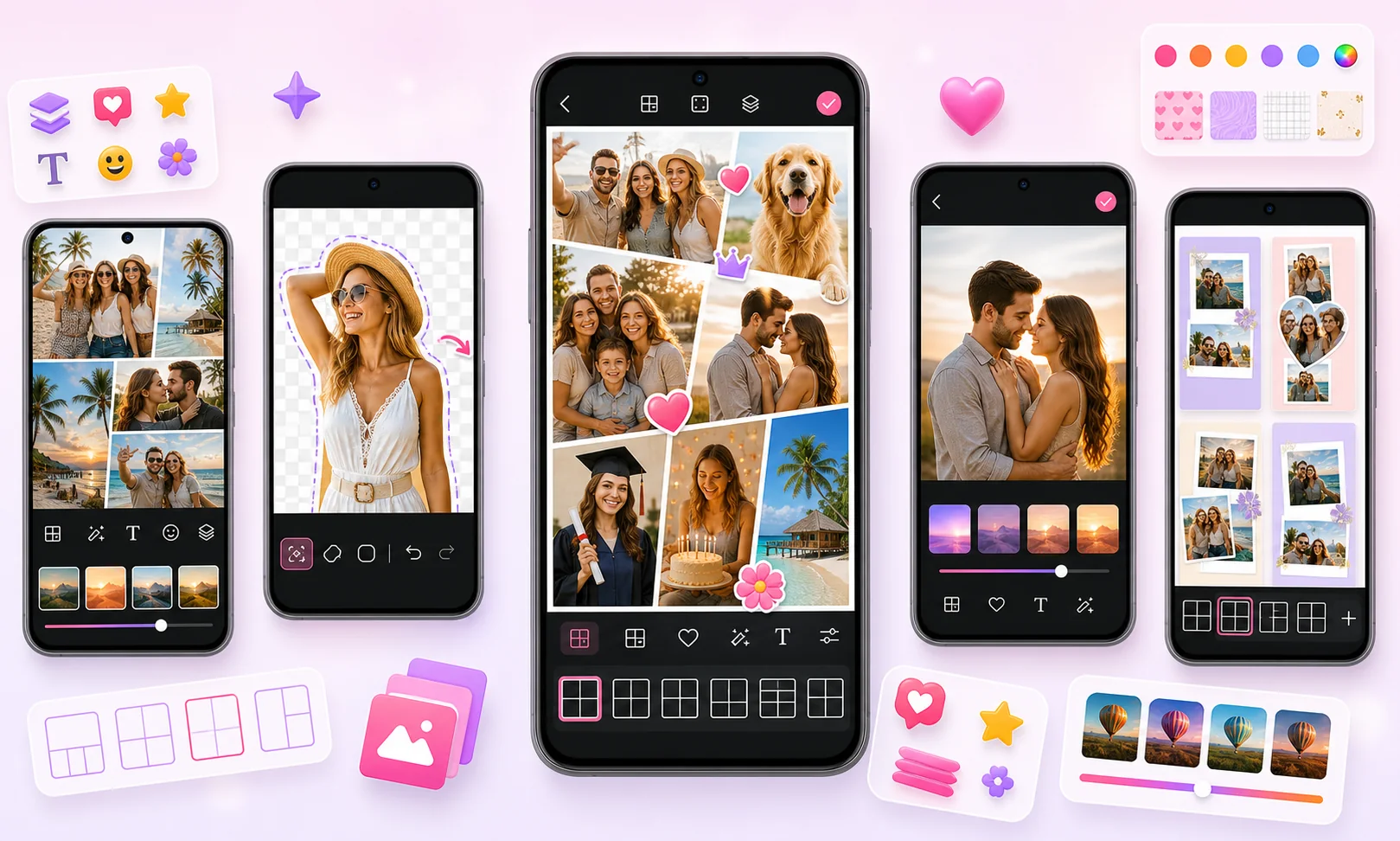
| Layouts | 500+ layouts and templates for grids, shaped collages, and freestyle edits. |
|---|---|
| Large collages | Supports remixing up to 100 photos. |
| Creative editing | AI cutout, text, stickers, filters, backgrounds, frames, layers, and draft saving. |
| Public trust signals | 50M+ downloads, 4.9 star rating, and 1M+ reviews on Google Play as of July 2026. |
Common Android collage jobs FotoCollage can help with
Who is FotoCollage best for?
FotoCollage is a good fit for Android users who often make birthday collages, family memories, photo dumps, travel recaps, social posts, and printable photo designs. It is especially useful when users want fast templates but still need manual creative control.
When another collage app may be enough
If you only need a simple 2-photo or 4-photo grid once in a while, many basic collage apps can work. FotoCollage is more useful when you want a broader Android collage workflow: more layouts, larger collages, AI cutout, draft saving, stickers, filters, text, backgrounds, and layers in one place.