
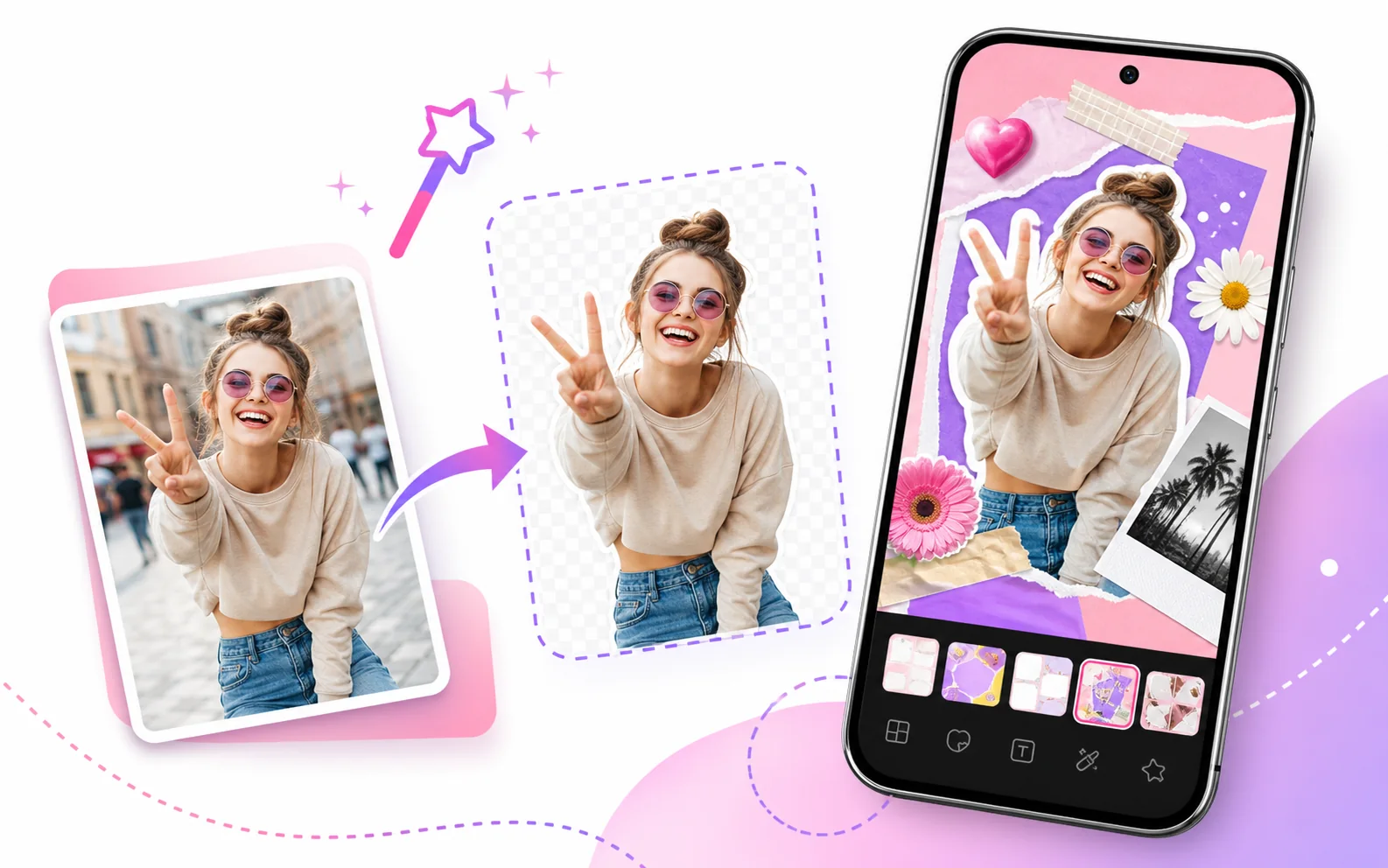
What AI cutout is useful for
AI cutout helps remove or isolate the background around a subject. In collage design, this makes it easier to create stickers, highlight people, build product-style images, and combine photos that were taken in different places.
- Cut out a person for a birthday poster or family collage.
- Separate a pet or object and place it on a designed background.
- Create cleaner social posts with text, stickers, and frames.
- Make a scrapbook-style collage with layered photos.
Why use it inside a collage maker?
A standalone background remover only creates a cutout. FotoCollage lets users continue designing after the cutout by adding layouts, backgrounds, stickers, text effects, filters, and layers in the same app.
| Tool | AI cutout / background separation for collage editing. |
|---|---|
| Good for | People, pets, products, objects, social posts, posters, and memory collages. |
| Next steps after cutout | Add layouts, backgrounds, text, stickers, filters, frames, and layers. |