
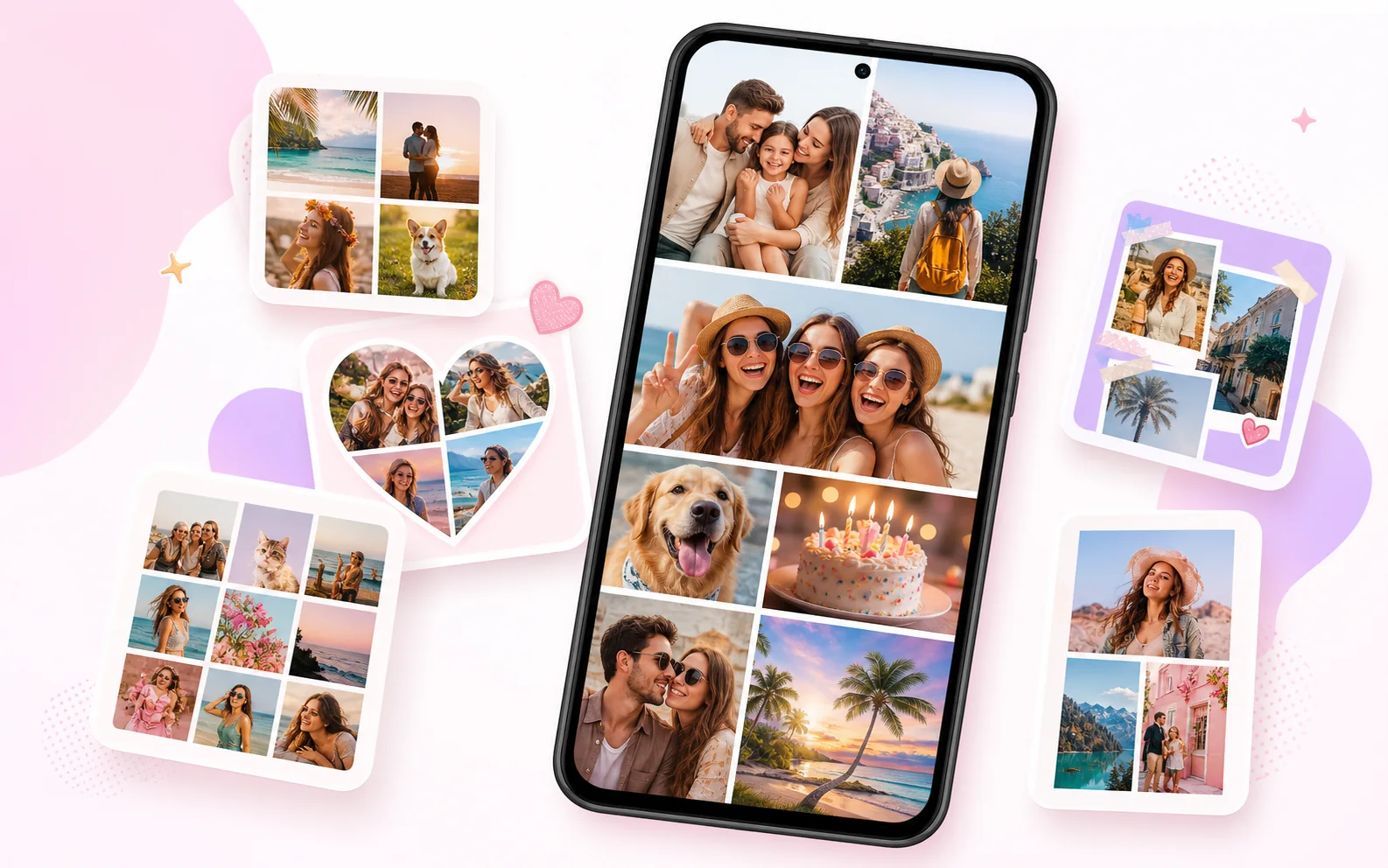
What can you make with FotoCollage?
FotoCollage helps users turn everyday photos into polished collages without needing desktop design software. It supports classic grids, flexible layouts, shaped collages, backgrounds, stickers, text, filters, frames, and layer-based editing.
| Best for | Family memories, birthdays, holidays, travel recaps, photo dumps, school projects, printable collages, and social media posts. |
|---|---|
| Main editing tools | Layouts, templates, AI cutout, stickers, emojis, text, filters, backgrounds, borders, frames, layers, and drafts. |
| Platform | Android, available on Google Play. |
Why it works well as a collage app
- It supports both quick automatic layouts and more flexible manual editing.
- It can combine up to 100 photos for large memory boards and photo dump collages.
- It includes creative tools such as stickers, text effects, filters, backgrounds, and AI cutout.
- It supports draft saving, so users can continue editing later.
Who should use it?
FotoCollage is designed for people who want a fast mobile collage maker for social posts, printable photo memories, family albums, celebrations, and creative edits. It is especially useful when you want more than a basic grid but do not want to use a complex design editor.